

30-Second Explainer Videos: When Short Beats Long
“Can you do it in 30 seconds?” comes up on a lot of our calls. Usually the answer is yes. Sometimes it’s “yes, but it shouldn’t be the only video you make”.
This guide covers when a 30-second explainer video is the right call, when it isn’t, how many words fit, a second-by-second structure with a sample script, and what a short film really costs compared with a longer one. For the general rule on runtime, see how long an explainer video should be.
When a 30-second explainer video beats a longer one
A 30-second explainer video beats a longer one when the job is a single idea for a viewer who didn't ask to watch: a paid social ad, a pre-roll, a retargeting reminder or a landing-page hero. It fits about 75 spoken words, so it can carry one problem, one promise and one call to action, and nothing else.
If the viewer needs to understand how something works before they’ll act, 30 seconds is usually too short. That’s when 60–90 seconds earns its keep.
What a 30-second explainer is (and isn’t)
A 30-second explainer is a complete, tiny story: hook, problem, solution, call to action. It isn’t a trailer, a logo sting or a 90-second film played at double speed.
There are two ways to get one, and they’re very different projects:
- A cut-down from a master film. You make a 60–90 second explainer first, then cut 30-, 15- and 6-second versions for ads and social. The script, style and voiceover already exist, so the short versions reuse them.
- A standalone 30-second film. Its own brief, script, storyboard and voiceover, written for 30 seconds from the start. Better when the short film has a different job from anything else you’re making.
Both can work. The mistake is commissioning a standalone 30-second film and expecting it to do a 90-second film’s job.
When short beats long, and when it doesn’t
| Situation | 30 seconds? | Why |
| Paid social ad (LinkedIn, Meta, YouTube) | Yes | Cold, scrolling viewers. One idea before the thumb moves |
| Retargeting a site visitor | Yes | They already know you. A reminder, not an introduction |
| Landing-page hero above the form | Often | Answers “what is this?” fast, then the page does the rest |
| Trade show or event loop | Yes, silent | People walk past. It must read like a moving poster |
| Teaser for a launch | Yes | Curiosity is the job, not understanding |
| Homepage for a new or complex product | Usually not | A first-time visitor needs problem, solution and how it works |
| Technical, medical or regulated product | Rarely alone | The audience needs context and proof before the product makes sense |
| Sales follow-up or proposal | Rarely | Warm buyers will watch longer and need detail |
| Onboarding or training | No | The viewer has chosen to learn. One task per video, at whatever length it takes |
The pattern: the colder the viewer and the busier the feed, the stronger the case for 30 seconds. The more the viewer needs to believe before acting, the more a longer film earns its place.
What the platforms and the data say
Here’s what holds up, with sources. We’ve kept to platform documentation and neutral research.
- YouTube ads reward short. Google’s YouTube ad formats page says viewers can skip a skippable in-stream ad after 5 seconds, and with cost-per-view bidding you pay when someone watches 30 seconds (or the whole ad, if it’s shorter). Non-skippable in-stream ads run 15–60 seconds depending on the campaign subtype, bumpers are 6 seconds, and Google recommends keeping Shorts ads under 60 seconds.
- Under a minute suits awareness and social. Wistia’s length guidance, built on its 2026 State of Video data from more than 13 million videos, puts videos under one minute at a 52% average engagement rate and recommends that length for awareness and social. It also advises putting the key information in the first half, because that’s where most viewers drop off.
- Short doesn't mean finished. Wistia’s earlier study of 564,710 videos found engagement held fairly steady up to about two minutes. So 30 seconds isn’t automatically more watchable than 60 or 90. It’s better only when the job is small.
For LinkedIn formats and sizes, see our guide to LinkedIn video specs.
How many words fit in 30 seconds?
About 75 words. The National Center for Voice and Speech puts the average rate of speech for US English speakers at about 150 words per minute, which is about 2.5 words per second. Explainer voiceovers run slightly slower so the visuals can land, so 60–75 words is a comfortable target for 30 seconds.
| Cut | Voiceover words (at ~150 wpm) | What fits |
| 6 seconds (bumper) | about 10–15, or none | One line or a single visual idea plus the logo |
| 15 seconds | about 35 | One problem line, one promise line, the logo |
| 30 seconds | about 60–75 | Hook, problem, solution, CTA |
| 60 seconds | about 150 | All of the above plus how it works |
If your 30-second draft is pushing 90 words, don’t ask the voice artist to speed up. Remove an idea. For the full process, read our guide to writing an explainer video script.
A second-by-second structure for a 30-second explainer
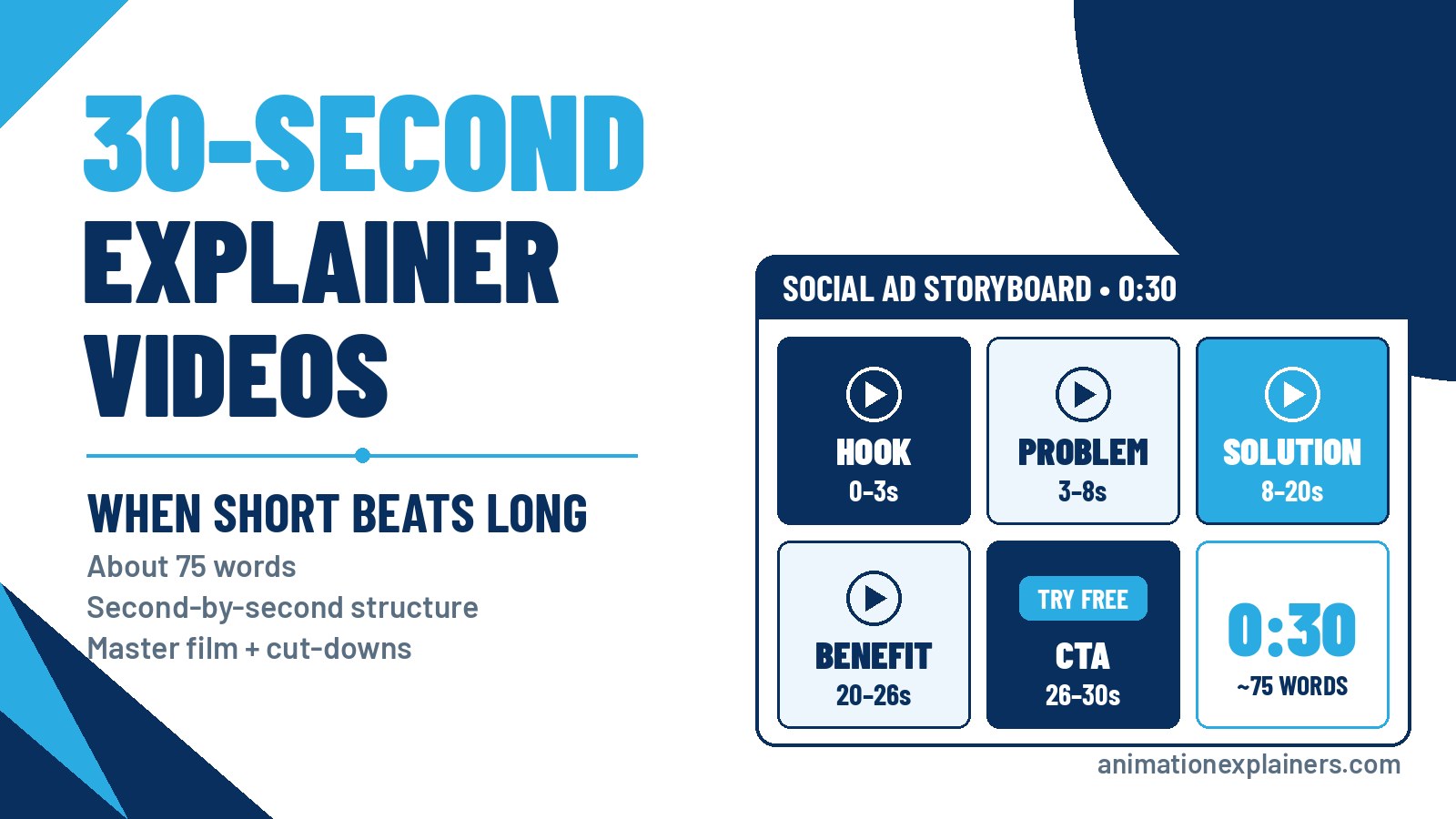
| Seconds | Beat | What it does |
| 0–3 | Hook | Names the viewer’s problem in one line or one image. No logo yet |
| 3–8 | Problem | Shows what the problem costs them, briefly |
| 8–20 | Solution | Your product as the turning point, and the one thing it does |
| 20–26 | Benefit | The outcome: the good version of the opening shot |
| 26–30 | Call to action | One action, spoken and on screen, with the logo |
Front-load it. If the viewer scrolls away at second 10, they should still know what you do.
Sample 30-second script
Here’s that structure filled in for Rotawise, a fictional rota app. The voiceover runs to about 55 words, under the 75-word ceiling, which leaves the visuals room to breathe.
| Seconds | Visual | Voiceover |
| 0–3 | Sunday, 11 pm. A café manager surrounded by a spreadsheet full of red cells | Still building next week’s rota on a Sunday night? |
| 3–8 | Swap requests pinging in; a sticky note: “Who’s on Friday??” | Holiday requests in one place, shift swaps in another, and nobody’s happy. |
| 8–20 | The spreadsheet folds away; the Rotawise app fills the rota on her phone | Meet Rotawise. Your team adds their availability, and Rotawise builds a fair rota around it in minutes. Swaps take one tap. |
| 20–26 | She closes the laptop at 7 pm and heads out | No more spreadsheets. Get your Sunday nights back. |
| 26–30 | Logo, “Try it free at rotawise.example” | Try Rotawise free today. |
Notice the “how it works” beat has gone. In 60 seconds it would get three steps. In 30, the picture shows it once and moves on.
How to make a 30-second explainer that works
- Write one sentence first. The single thing the viewer must remember. If it needs “and”, you have two videos.
- Pick one viewer and one placement. A LinkedIn ad and a trade-show loop need different openings and different sound plans.
- Script to 60–75 words. Count the voiceover only, then read it aloud with a stopwatch.
- Storyboard every second. In 30 seconds there’s no room for a scene that doesn’t move the story. Plan each frame before animation starts.
- Design for mute. Many feed viewers watch with the sound off, so the story has to work with captions and visuals alone.
- Plan the formats at script stage. Decide on 16:9, 1:1 and 9:16 before the storyboard, so key action sits in the safe area of every crop.
- End on one action. One call to action, spoken and on screen. Not a website, a phone number and three social icons.
Master film plus cut-downs: the approach we usually recommend
For most B2B clients, the best value isn’t a choice between 30 and 90 seconds. It’s both, planned together.
- The master (60–90 seconds) lives on the homepage, in sales emails and on product pages, where viewers want the full story.
- The 30-second cut runs as a paid social ad, a landing-page hero or retargeting.
- The 15- and 6-second cuts cover pre-roll, bumpers and stories.
The trick is to plan the short versions when the master is scripted, so each cut has its own hook and ending rather than being chopped from the middle. Our explainer videos guide covers how a master film fits into a wider campaign, and we make social media animation and video ads on the same principle.
Short explainer video examples from our own work
These are films we’ve made that run under a minute. Each one does a single job.
| Film | Runtime | Job it does |
| Celigo | 0:25 | One software feature (data mapping), one point |
| Switcher.ie | 0:25 | A one-message spot for a consumer switching service |
| Ibotta | 0:30 | A performance-marketing explainer for a cash-back platform |
| XMA Surface Pro (video 1) | 0:35 | One episode in a hardware series: one product per film |
| Vertech and Taxelco | 0:46 each | Short industrial-automation and transportation explainers |
Ibotta (0:30): a whole idea in half a minute. A performance-marketing message, built for the length from the start.
Celigo (0:25): one feature, nothing else. A single software capability, data mapping, explained in 25 seconds. It works because it doesn’t try to explain the whole platform.
XMA Surface Pro (0:35): short because a series carries the story. One product per film, so each episode can stay tight.
More in our portfolio.
Mistakes that sink short explainers
- Squeezing a 90-second script into 30 seconds. Faster voiceover, more on-screen text, same muddle.
- Opening on the logo. The first three seconds belong to the viewer’s problem.
- Explaining how it works in detail. Show the result; the longer film or the landing page explains the mechanics.
- No plan for mute. A voiceover-only story is invisible in a silent feed.
- Chopping the middle out of the master. Cut-downs need their own hook and their own ending.
- Two calls to action. In 30 seconds, one is already a squeeze.
Is a 30-second explainer half the price of a 60-second one?
No. A lot of explainer production is fixed whatever the runtime: discovery, scripting, style frames, voiceover casting and project management. Cutting the runtime saves animation seconds, not the thinking. A standalone 30-second film is a small project, not half a project. Cut-downs from a locked master are a different story, because the script, style and voiceover already exist.
Studio projects at Animation Explainers typically sit in the $6,000 to $35,000 and beyond band. Style, custom assets, revisions, languages and the number of cut-downs move a quote more than the stopwatch does. For the full breakdown, read how much an explainer video costs.
Soft next steps
Weighing a 30-second film against a longer one? Start with the explainer video cost guide to see what drives a quote, browse our portfolio for short films, or contact us and book a meeting from that page. Tell us where the video will play, and we’ll tell you honestly whether 30 seconds is enough.
FAQ
How long is a 30-second explainer video script?
About 60–75 spoken words. The average US English speech rate is about 150 words per minute, so 30 seconds is roughly 75 words at a conversational pace. Explainer voiceovers run slightly slower so the visuals can land. If a draft goes past 90 words, cut an idea rather than speeding up the voiceover.
Is a 30-second explainer video long enough?
For one idea and a cold viewer, yes: paid social, pre-roll, retargeting and landing-page heroes. For a new or complex product on a homepage, usually not. That viewer needs problem, solution and how it works, which takes 60–90 seconds. Many brands use both: a master film plus a 30-second cut.
What should a 30-second explainer video include?
A hook in the first three seconds, the problem in a line, your product as the solution, one benefit and one call to action. There’s no room for a feature list, a company history or a second message. The visuals should carry anything the voiceover doesn’t need to say.
Where should I use a 30-second explainer video?
Paid social ads on LinkedIn, Meta and YouTube; retargeting; landing-page heroes; trade show loops; and launch teasers. These are places where the viewer didn’t choose to watch and attention is short. Keep the longer film for your homepage, sales emails and product pages.
Is a 30-second explainer cheaper than a 60-second one?
A little, but not half the price. Discovery, scripting, style frames, voiceover casting and project management are largely fixed, so a standalone 30-second film is a small project, not half a project. Cut-downs from an existing master cost less because the script, style and voiceover are already done. See our explainer video cost guide.
Should I make a 30-second video or cut down a longer one?
If you need both a full explainer and ads, make the master first and plan the 30-, 15- and 6-second cut-downs at script stage. Each cut then gets its own hook and ending. Commission a standalone 30-second film only when the short video has a job that nothing else you’re making covers.
How long should a video ad be on YouTube?
It depends on the format. Google limits bumper ads to 6 seconds, runs non-skippable in-stream ads at 15–60 seconds depending on the campaign subtype, and lets viewers skip skippable ads after 5 seconds. With cost-per-view bidding, you pay when someone watches 30 seconds, or the whole ad if it’s shorter.
Can a 30-second explainer work for a complex product?
As a teaser or a reminder, yes. As the only explanation, rarely. A technical, medical or regulated product usually needs context and proof before it makes sense. Use the 30-second cut to earn the click, then let a longer explainer or the landing page do the explaining.

How long is a 30-second explainer video script?
About 60–75 spoken words. The average US English speech rate is about 150 words per minute, so 30 seconds is roughly 75 words at a conversational pace. Explainer voiceovers run slightly slower so the visuals can land. If a draft goes past 90 words, cut an idea rather than speeding up the voiceover.
Is a 30-second explainer video long enough?
For one idea and a cold viewer, yes: paid social, pre-roll, retargeting and landing-page heroes. For a new or complex product on a homepage, usually not. That viewer needs problem, solution and how it works, which takes 60–90 seconds. Many brands use both: a master film plus a 30-second cut.
What should a 30-second explainer video include?
A hook in the first three seconds, the problem in a line, your product as the solution, one benefit and one call to action. There’s no room for a feature list, a company history or a second message. The visuals should carry anything the voiceover doesn’t need to say.
Where should I use a 30-second explainer video?
Paid social ads on LinkedIn, Meta and YouTube; retargeting; landing-page heroes; trade show loops; and launch teasers. These are places where the viewer didn’t choose to watch and attention is short. Keep the longer film for your homepage, sales emails and product pages.
Is a 30-second explainer cheaper than a 60-second one?
A little, but not half the price. Discovery, scripting, style frames, voiceover casting and project management are largely fixed, so a standalone 30-second film is a small project, not half a project. Cut-downs from an existing master cost less because the script, style and voiceover are already done. See our explainer video cost guide.
Should I make a 30-second video or cut down a longer one?
If you need both a full explainer and ads, make the master first and plan the 30-, 15- and 6-second cut-downs at script stage. Each cut then gets its own hook and ending. Commission a standalone 30-second film only when the short video has a job that nothing else you’re making covers.
How long should a video ad be on YouTube?
It depends on the format. Google limits bumper ads to 6 seconds, runs non-skippable in-stream ads at 15–60 seconds depending on the campaign subtype, and lets viewers skip skippable ads after 5 seconds. With cost-per-view bidding, you pay when someone watches 30 seconds, or the whole ad if it’s shorter.
Can a 30-second explainer work for a complex product?
As a teaser or a reminder, yes. As the only explanation, rarely. A technical, medical or regulated product usually needs context and proof before it makes sense. Use the 30-second cut to earn the click, then let a longer explainer or the landing page do the explaining.