

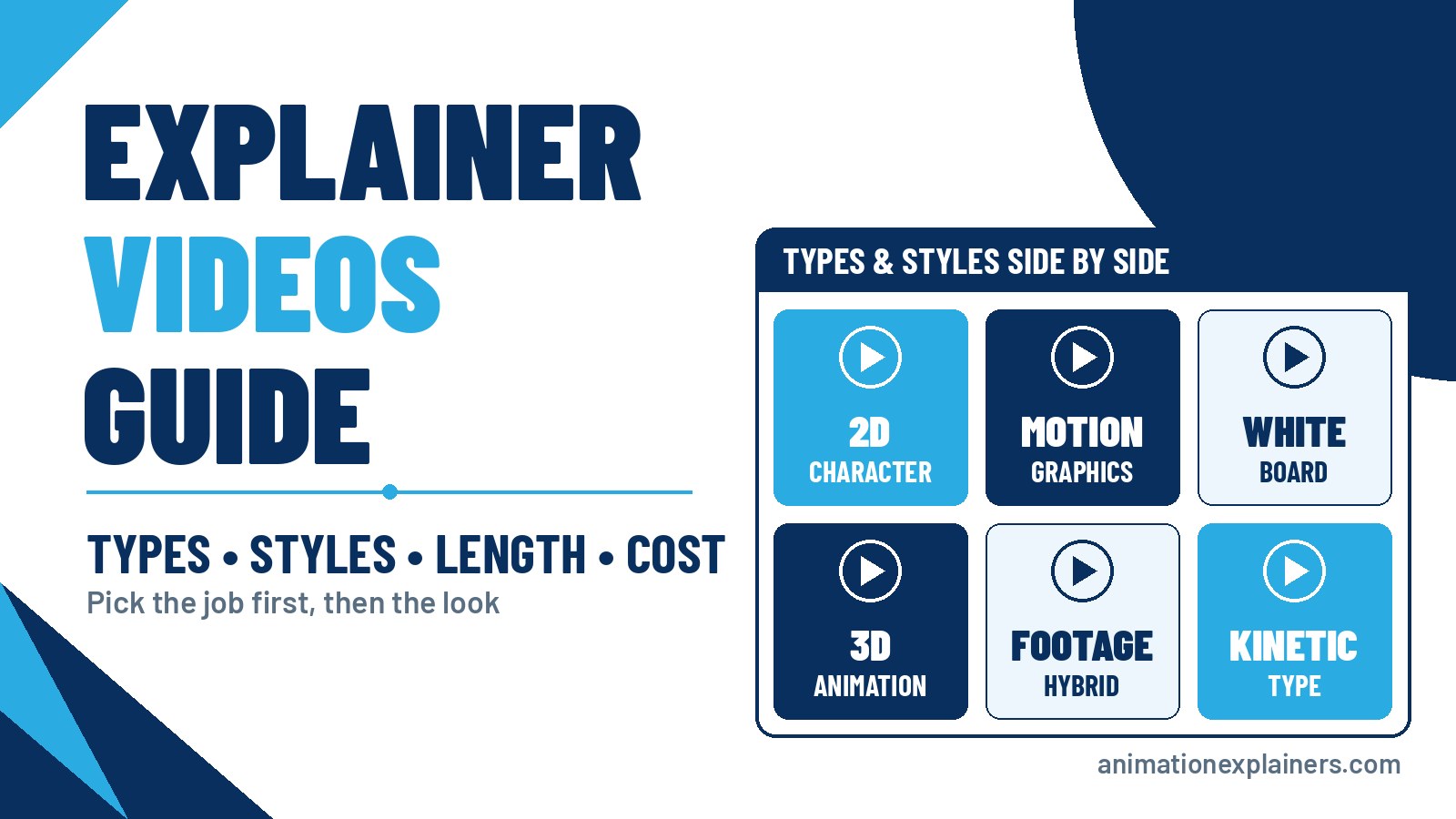
Explainer Videos Guide: Types, Styles, Length & Cost
Explainer videos get commissioned for all sorts of reasons: a homepage that isn’t converting, a launch, a sales team repeating the same pitch on every call. Then the brief stalls on questions nobody has answered yet. Which type? Which style? How long? What will it cost?
This guide answers those questions in the order a buyer needs them. It covers the types of explainer video (by job), the animation styles (by look), the right length, how one is made, what drives timelines and cost, and story ideas you can brief. If you only need the definition, read what is an explainer video? first.
Explainer videos in one paragraph
Explainer videos are short films, usually 60 to 90 seconds, that make one product, service or idea easy to understand and end with one clear next step. The type is the job the video does: a product explainer, a SaaS explainer, a training film. The style is how it looks: 2D, motion graphics, whiteboard, 3D, live-action footage, or a mix. Choose the job first, then the look.
Most of the confusion in a brief comes from mixing those two up. “We need a whiteboard video” is a style. “We need new visitors to understand our platform in a minute” is a job. Start with the job and the right style usually follows.
Types of explainer videos (by job)
These are the jobs explainer videos are hired for, where each one usually lives, and how long it typically runs.
| Type | The job | Where it lives | Typical length |
| Company or brand explainer | Say what you do and why it matters | Homepage, about page, pitch decks | 60–90 seconds |
| Product explainer | Make one product’s value obvious | Product pages, launches, sales emails | 60–120 seconds |
| SaaS or software explainer | Make an abstract platform concrete | Homepage, paid landings, onboarding | 60–90 seconds |
| Process or “how it works” | Show a workflow, mechanism or system | Solution pages, sales calls, events | 90 seconds–2 minutes |
| Medical or scientific | Explain a device, therapy or mode of action accurately | HCP and patient education, congresses | Varies by audience |
| Training and internal comms | Teach a policy, process or change | LMS, intranet, all-hands | One topic per video |
| Sales enablement or series | Brief a buyer before or after a call; one film per module | Proposals, follow-ups, product suites | 30 seconds–2 minutes each |
| Ads and social cut-downs | Stop the scroll and earn one click | Paid social, YouTube, LinkedIn | 6–60 seconds |
| Event and booth loops | Catch attention silently, mid-stride | Trade shows, conferences, receptions | 30–60 seconds, no audio needed |
Product and SaaS explainers
The most common brief. A product explainer shows what a tangible product or feature set does for the buyer. A SaaS explainer has a harder job, because the “product” lives behind a login, so it leans on workflows, outcomes and metaphors instead of screenshots. Both work best with one idea and one call to action. Keep the feature tour for a demo.
Process, technical and medical explainers
When the value depends on how something works, such as a security platform, an engineering process or a medical device, the film has to be accurate as well as clear. These often run a little longer and involve subject-matter reviewers. See medical animation and software animation videos for sector-specific detail.
Training, corporate and internal explainers
Animated training videos and corporate videos explain policies, processes and change to staff. The audience is captive but busy, so one topic per video and a clear “what to do differently” still matter.
Short-form jobs: video ads, social media animation, conference videos and mobile app videos. These are usually cut down from a master explainer rather than built from scratch, so plan them at the script stage.
Explainer video styles (by look)
Once the job is clear, pick the look that suits the product, the audience and the budget. “Relative cost” below is a position within studio work, not a price list.
| Style | What it is | Best for | Watch-outs | Relative cost |
| 2D character animation | Illustrated people, places and stories | Human problems, B2C and B2B storytelling, onboarding | Characters need clear art direction to look on-brand | Mid |
| Motion graphics | Icons, type, data and UI moving in sync, often without characters | Software, data, fintech, cybersecurity | Can feel generic without a strong design system | Mid, depending on design density |
| Whiteboard | Hand-drawn illustrations appearing as the voiceover explains | Teaching, training, step-by-step concepts | Reads as educational, so less suited to premium brand films | Lower to mid |
| 3D animation | Modelled objects and environments you can light and rotate | Physical products, devices, machinery, things you can’t film | Modelling and rendering add time, and late changes cost more | Higher |
| 2.5D | 2D artwork layered to give a sense of depth | A richer look without full 3D | Needs careful layering to avoid looking flat | Mid |
| Hand-drawn or cel-inspired | Frame-by-frame or illustrative, crafted line | Brands that want warmth and craft | More drawing labour per second | Mid to higher |
| Kinetic typography | Animated words carrying the message | Short social cuts, taglines, launch teasers | Thin for complex explanations | Lower |
| Screencast or UI animation | Your real interface, captured or recreated | Feature walkthroughs, onboarding, help centres | Shows how, rarely why; better as a demo than a homepage story | Lower to mid |
| Footage hybrid | Real-world footage combined with animated UI, data and type | Field operations, physical environments, cinematic tech | Footage needs sourcing or shooting; harder to localise | Mid to higher |
| Stop motion | Physical objects photographed frame by frame | A tactile, handmade look | Slow to change once shot | Higher |
| Rotoscoping | Animation traced over live performance | Realistic movement with a stylised finish | Labour-heavy; usually used for a sequence, not a whole film | Higher |
You can mix styles, for example motion-graphics UI inside a 2D character story, as long as the overall look feels intentional. For a deeper comparison of looks, see animation styles. If you’re weighing animation against filming people, read animated vs live-action explainer videos.
3D: when the product or environment is the hero
3D earns its cost when the viewer needs to see something physical from angles you can’t easily film: a device, a machine, a component in context, or an environment like space. Enbio, a surface-engineering company working in the space sector, has a film that combines 2D explanation with 3D spacecraft imagery. See 3D animation production for how we approach 3D.
Motion graphics and series: when the product is abstract or technical
Threat intelligence, data platforms and infrastructure don’t photograph well. Motion graphics turn them into systems a buyer can follow. Intel 471 commissioned a seven-part threat-intelligence series from us. Splitting the story into episodes keeps each film focused on one idea. More on this style: motion graphics videos.
Footage hybrids: when the real world is part of the story
Some products only make sense in context: a crew on site, a control room, a city at night. Footage hybrids pair real-world footage with animated interface, data and type. Luminix, a field-operations software platform, shows site teams with the product’s UI layered on top.
ISA, a computer and network security firm, takes the same idea in a more cinematic direction, mixing footage-led scenes with animated data visuals.
Whiteboard and 2D: when clarity beats polish
Whiteboard animation still works well for teaching, because the drawn-as-you-watch reveal walks the viewer through one step at a time. Clean 2D does the same for marketing, with more room for brand colour and character.
How long should an explainer video be?
The default is 60 to 90 seconds for marketing explainers. Ads and social cut-downs run shorter, and onboarding, training and technical deep dives run longer.
| Job | Length to aim for |
| Homepage or paid landing | 60–90 seconds |
| Product page or technical B2B | 60–120 seconds |
| Social and ad cut-downs | 6–60 seconds |
| Onboarding, help and training | 1–3 minutes per task or topic |
The script decides the runtime: at roughly 150 spoken words a minute, a 60-second film carries about 150 words of voiceover. The full breakdown, with use cases, word budgets and examples, is in how long an explainer video should be.
How explainer videos are made
A custom explainer follows the same gates whichever style you choose. Each one is a sign-off point, which is how you avoid discovering the wrong tone after weeks of animation.
- Kick-off and brief: product, audience, goal, the one call to action, brand guidelines and constraints.
- Script: problem, solution, proof and CTA, written for the ear. You approve it before anything is drawn.
- Storyboard and style frames: sketches of every scene plus a few finished frames that set the look. A storyboard works like a comic strip of the film; it’s the reference everything hangs on.
- Voiceover and music: cast and record against the locked script, then choose music that fits the tone.
- Animation and sound: boards come to life, timed to the voiceover, with sound design.
- Review and delivery: agreed revisions, then files for web, social, sales and events, including captions and cut-downs if they’re in scope.
Our animation process page shows the stages in more detail, and explainer video production covers what’s included when we produce one for you.
What a good explainer script does
- Leads with the viewer’s problem in the first few seconds, not your logo.
- Speaks to “you” in plain language, with no jargon the audience wouldn’t use.
- Uses the active voice: “the platform flags the threat”, not “threats are flagged”.
- Makes the most important point in the first half, in case viewers leave early.
- Ends with one call to action.
- Gets read aloud before sign-off. If you trip over a line, rewrite it.
For a step-by-step approach, see how to write an explainer video script that converts.
Timelines: what speeds a project up or slows it down
Timelines depend on the brief, so ask for a schedule alongside your quote. The same things move the dates every time:
- Brief clarity. A locked message and a single decision-maker move fastest.
- Script rounds. Each extra round of stakeholder comments adds time before animation can start.
- Style and runtime. 3D, frame-by-frame and dense character work take longer per second than clean 2D or motion graphics.
- Specialist review. Medical, legal and compliance sign-off needs to be planned into the schedule from day one.
- Languages and deliverables. Extra voiceovers, subtitle sets, aspect ratios and cut-downs add production time.
- Feedback speed. Fast, consolidated feedback at each gate protects the delivery date more than anything else.
If you have a fixed launch date, tell us at kick-off and we’ll plan the scope around it.
What explainer videos cost
Studio explainer projects at Animation Explainers typically sit in the $6,000 to $35,000 and beyond band. Straightforward whiteboard and clean 2D usually sit toward the accessible end. Custom 3D, medical work, dense character animation, extra languages and multi-cut deliveries sit toward the top, or beyond.
The main drivers are style and complexity, runtime, how custom the assets are, the number of review rounds, voiceover and languages, and the list of deliverables. Runtime matters less than people expect: a 30-second film is not half the price of a 60-second one. For the full breakdown, read how much an explainer video costs.
DIY, templates, freelancer or studio?
| Route | Good for | Trade-off |
| DIY software and AI tools | Internal drafts, quick tests, very small budgets | A learning curve, template sameness, and the script is still on you |
| Templates and stock kits | Fast, low-cost social clips | Looks like everyone else’s; limited brand control |
| Freelancer | A single, well-defined piece with a clear brief | You manage the script, voiceover, music and schedule yourself |
| Specialist studio | Homepage, launch and sales films that represent the brand | Higher cost; worth it when the film is the face of the offer |
Explainer video software can be a sensible start for internal or experimental content. When the film has to survive a brand review, a sales call and a sceptical buyer, a studio’s script, design and voiceover usually make the difference. If you’re comparing partners, see what an explainer video company should cover.
Where explainer videos earn their keep
One master explainer can work in several places:
- Homepage hero: the “what is this?” story for first-time visitors.
- Paid landing pages: the same idea with a tighter CTA that matches the ad.
- Product and solution pages: a deeper cut for higher-intent visitors.
- Sales emails, proposals and decks: sent before the call so the meeting starts further along.
- YouTube, LinkedIn and other social: captioned cut-downs, square or vertical if they’re scoped.
- Events and booth screens: silent loops that read like a poster.
- Onboarding and help centres: short task videos for new customers.
Where you host it matters too. YouTube is free and searchable, but it shows ads and suggested videos next to yours. An ad-free player such as Wistia keeps the viewer on your page and gives you detailed viewer analytics. See Wistia video hosting.
Explainer video ideas you can brief
Stuck for an angle? These story structures work across styles:
- Problem, then solution: show the pain, then the turning point. The classic, for good reason.
- Before and after: the same day, workflow or team with and without your product.
- A day in the life: follow one user through the moment your product matters.
- The metaphor: turn an abstract platform into something physical, such as a control tower, a filter or a bridge.
- Under the hood: a calm, accurate look at how the technology actually works, for technical buyers.
- The series: one film per product, module or audience, sharing one visual system.
- The customer's journey: map the buyer’s steps and show where you remove friction.
- The myth-buster: take a common misconception in your category and correct it in 60 seconds.
For inspiration, browse our portfolio and our round-up of explainer video examples.
Soft next steps
If you know the job your video has to do, you’re most of the way to a brief. Skim the cost guide, browse our portfolio, or contact us and book a meeting from that page. We’ll tell you honestly which type and style fit, and how long it should run.
FAQ
What are explainer videos?
Explainer videos are short films, usually 60 to 90 seconds, that explain one product, service or idea clearly and end with one next step, such as booking a demo. They typically use a voiceover with animation, footage or a mix. For a fuller definition, see what is an explainer video?
What are the main types of explainer videos?
By job, the main types are company or brand explainers, product explainers, SaaS or software explainers, process and technical explainers, medical explainers, training and internal comms films, sales or series films, ads and social cut-downs, and event loops. Each has its own placement and typical length.
What’s the difference between an explainer video type and a style?
The type is the job: what the video has to achieve and for whom. The style is the look: 2D character, motion graphics, whiteboard, 3D, footage hybrid and so on. Choose the type first, because it decides the length, the script and the call to action. Then choose the style that suits the product, the audience and the budget.
Which explainer video style is best for SaaS and B2B?
Motion graphics and clean 2D are the usual starting points for software and B2B, because they make abstract products concrete and can carry UI. 3D suits physical products and devices. Footage hybrids suit products used in the field. The best style is the one that makes your specific idea clearest to your buyer.
How long should an explainer video be?
Most marketing explainers work best at 60 to 90 seconds. Ads and social cut-downs run 6–60 seconds. Onboarding, training and technical deep dives can run longer, with one topic per video. See our full guide to explainer video length.
How much do explainer videos cost?
Studio projects at Animation Explainers typically fall between $6,000 and $35,000 and beyond. Style, complexity, custom assets, revisions, languages and deliverables decide where a project lands. See how much an explainer video costs.
How are explainer videos made?
A custom explainer moves through six gates: brief, script, storyboard and style frames, voiceover and music, animation and sound, then review and delivery. You approve each stage before the next one starts, which keeps surprises out of the final cut.
How long does it take to make an explainer video?
It depends on the brief, the style, the number of review rounds, any specialist sign-off, and how many languages and cut-downs you need. A clear brief with one decision-maker moves fastest. Ask for a schedule alongside your quote, and share your launch date at the start.
Should I choose animation or live action?
Choose animation when the product is abstract, you need to localise easily, or brand control matters. Choose live action when real people or places are the message. Footage hybrids combine the two. See animated vs live-action explainer videos.
Where should I put my explainer video?
Start with the page where visitors most often fail to understand your offer, usually the homepage or a paid landing page. Then reuse the same master in sales emails, on product pages, at events and as captioned social cut-downs.

What are explainer videos?
Explainer videos are short films, usually 60 to 90 seconds, that explain one product, service or idea clearly and end with one next step, such as booking a demo. They typically use a voiceover with animation, footage or a mix. For a fuller definition, see what is an explainer video?
What are the main types of explainer videos?
By job, the main types are company or brand explainers, product explainers, SaaS or software explainers, process and technical explainers, medical explainers, training and internal comms films, sales or series films, ads and social cut-downs, and event loops. Each has its own placement and typical length.
What’s the difference between an explainer video type and a style?
The type is the job: what the video has to achieve and for whom. The style is the look: 2D character, motion graphics, whiteboard, 3D, footage hybrid and so on. Choose the type first, because it decides the length, the script and the call to action. Then choose the style that suits the product, the audience and the budget.
Which explainer video style is best for SaaS and B2B?
Motion graphics and clean 2D are the usual starting points for software and B2B, because they make abstract products concrete and can carry UI. 3D suits physical products and devices. Footage hybrids suit products used in the field. The best style is the one that makes your specific idea clearest to your buyer.
How long should an explainer video be?
Most marketing explainers work best at 60 to 90 seconds. Ads and social cut-downs run 6–60 seconds. Onboarding, training and technical deep dives can run longer, with one topic per video. See our full guide to explainer video length.
How much do explainer videos cost?
Studio projects at Animation Explainers typically fall between $6,000 and $35,000 and beyond. Style, complexity, custom assets, revisions, languages and deliverables decide where a project lands. See how much an explainer video costs.
How are explainer videos made?
A custom explainer moves through six gates: brief, script, storyboard and style frames, voiceover and music, animation and sound, then review and delivery. You approve each stage before the next one starts, which keeps surprises out of the final cut.
How long does it take to make an explainer video?
It depends on the brief, the style, the number of review rounds, any specialist sign-off, and how many languages and cut-downs you need. A clear brief with one decision-maker moves fastest. Ask for a schedule alongside your quote, and share your launch date at the start.
Should I choose animation or live action?
Choose animation when the product is abstract, you need to localise easily, or brand control matters. Choose live action when real people or places are the message. Footage hybrids combine the two. See animated vs live-action explainer videos.
Where should I put my explainer video?
Start with the page where visitors most often fail to understand your offer, usually the homepage or a paid landing page. Then reuse the same master in sales emails, on product pages, at events and as captioned social cut-downs.